Your channels on the TV. Your phone as the remote.
Two apps for Android TV and Google TV. Luma TV plays the playlist you already have. Luma Remote turns any phone on your Wi-Fi into a remote, with nothing to install on the phone.
One payment of €12 for both apps, yours for life. Android TV and Google TV 8.0 or newer.
A calm player for the playlist you already have.
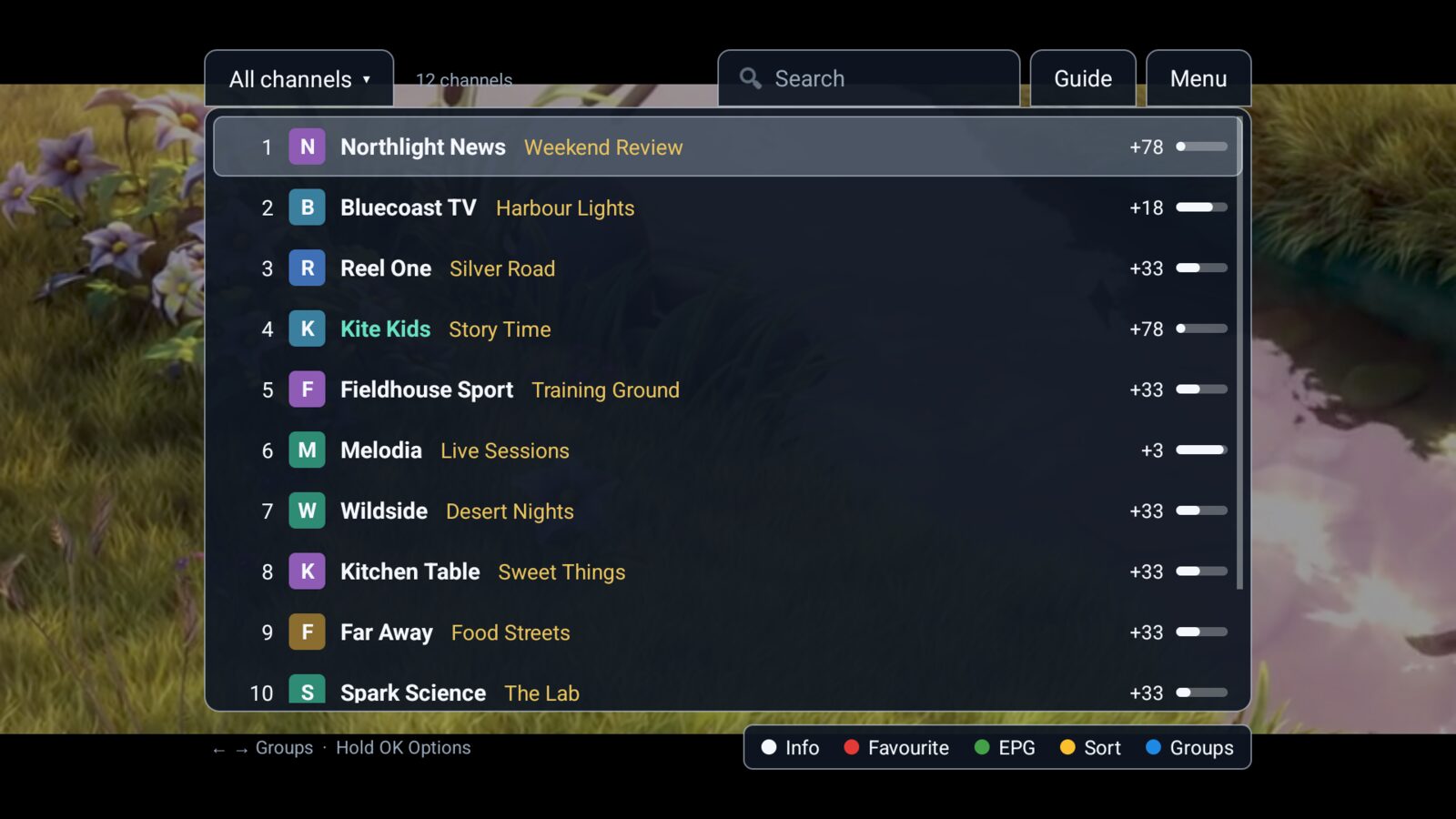
The picture fills the screen. The channel list floats over it when you need it, with what is on now and how long is left. Add your playlist from your phone, so there is nothing to type with the TV remote.
Set up from your phone
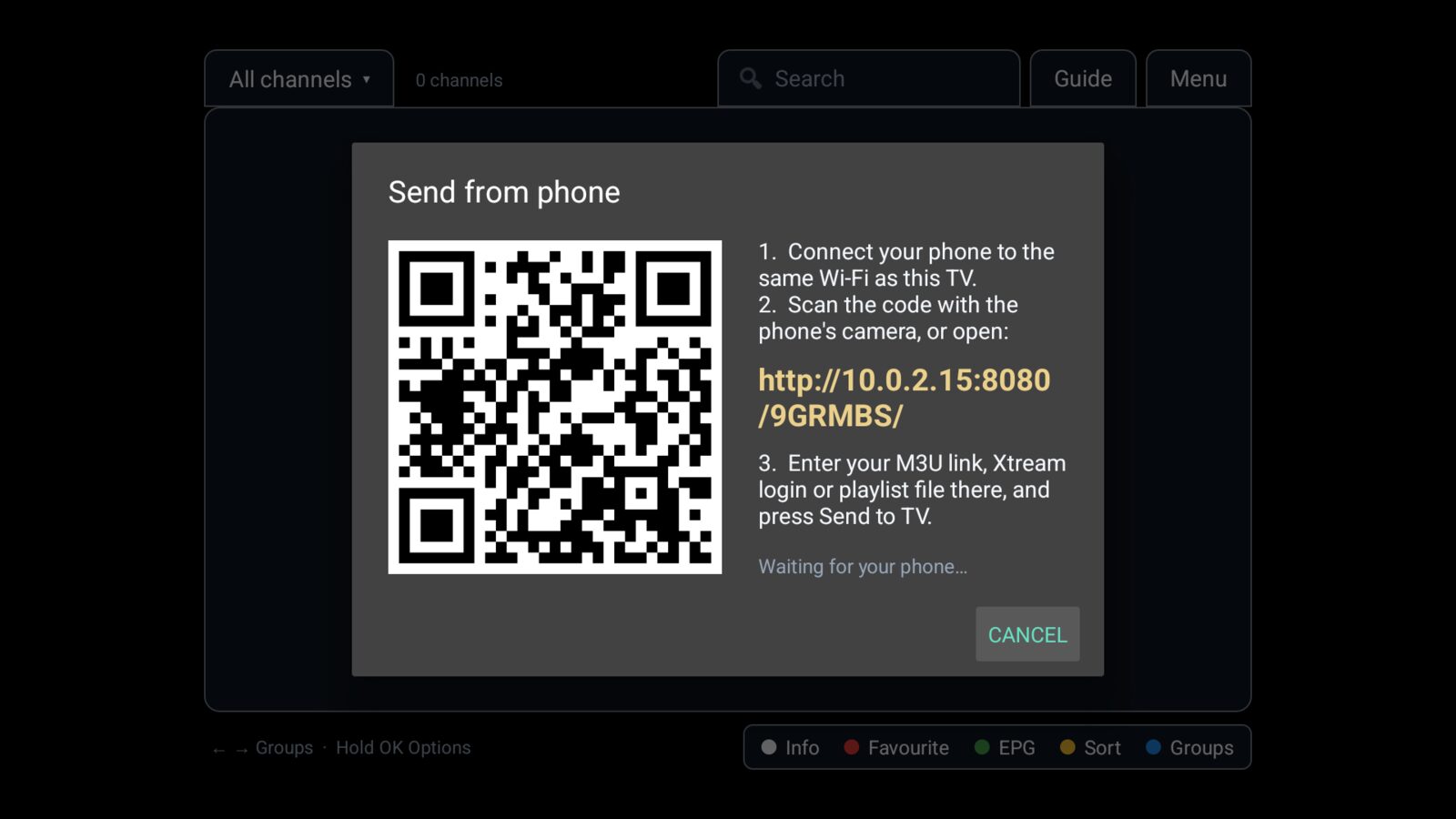
Scan the code on the TV and paste your M3U link, enter an Xtream Codes login, or pick an .m3u file.
Guide and catch-up
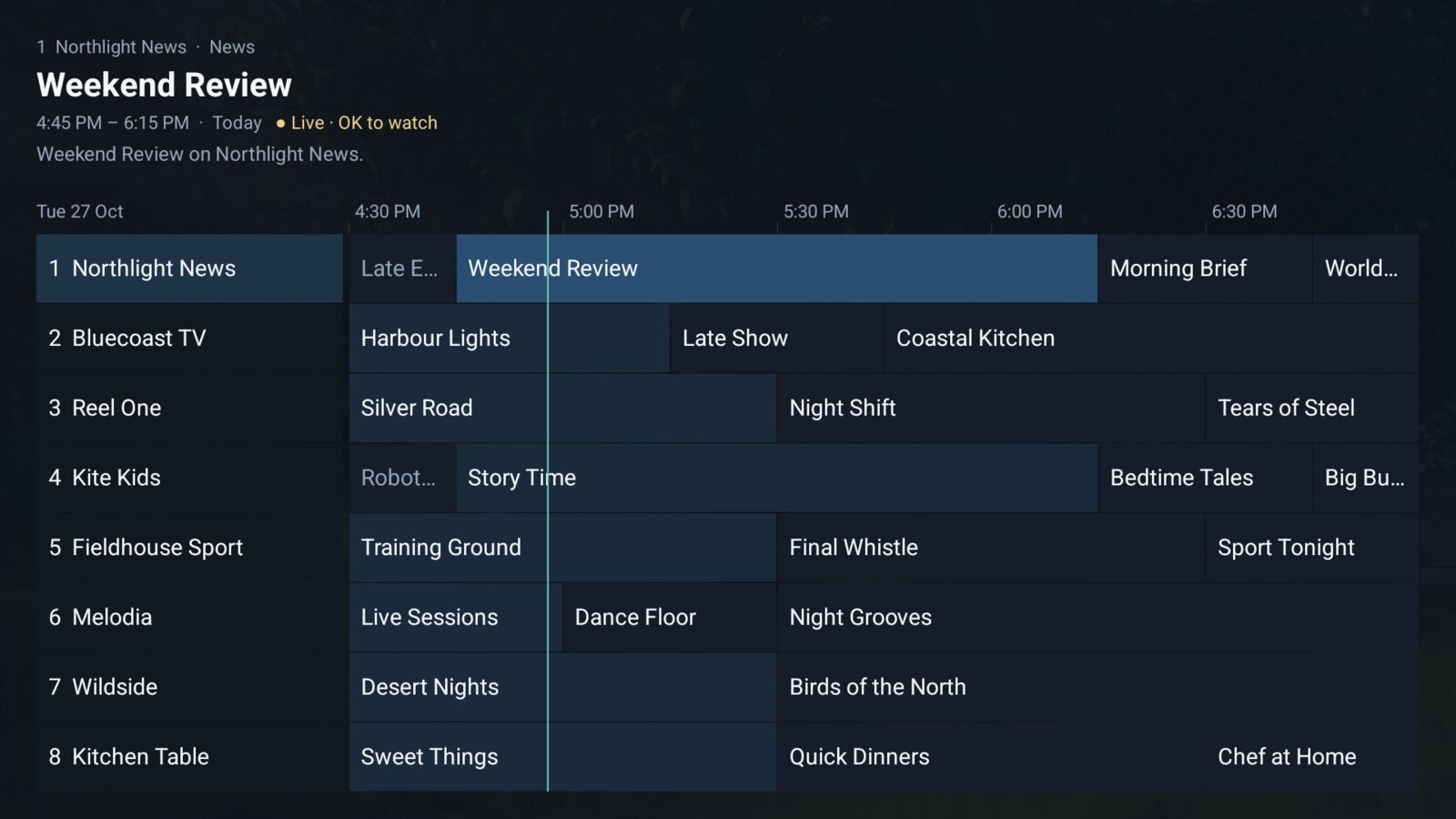
A programme grid from your provider's XMLTV guide. Watch from the start or up to 7 days back when your provider offers it.
Favourites and search
Favourites, recent channels, the previous channel, number keys, and search as you type.
Parental PIN
Lock whole groups or single channels, and hide groups you never watch.
Keeps playing
Reconnects by itself when a stream drops, and skips channels that never start after 15 seconds.
Stays on your TV
Links and logins are encrypted on the TV. Nothing is sent to us, and there are no ads or accounts.
Luma TV does not include any channels. It plays a playlist you add yourself, so use one you have the right to watch.
Lost the remote? Your phone already is one.
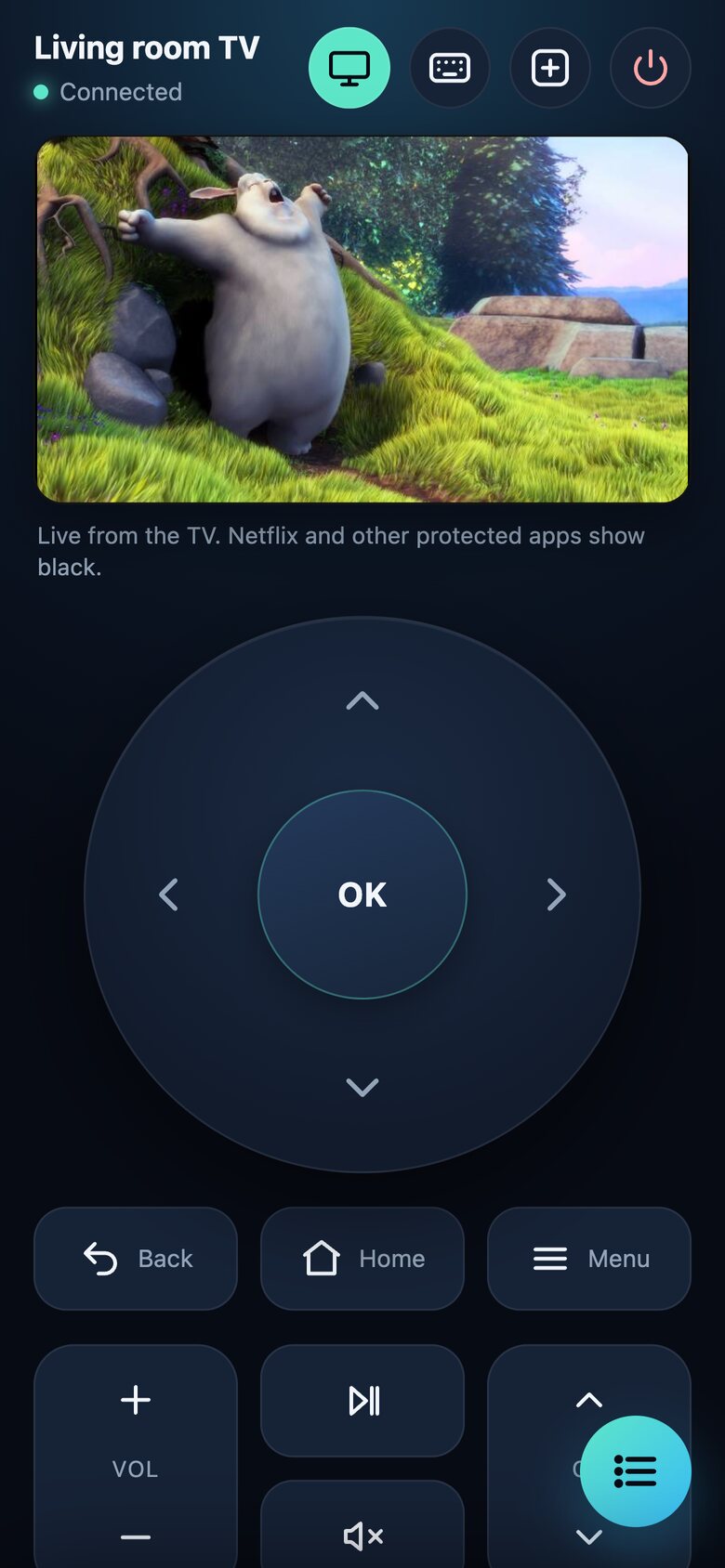
Luma Remote runs quietly on the TV. Scan its code and the remote opens in your phone's browser: no app to install, no account, and several phones at once. See what the TV shows, pick a channel from your list, or move a pointer like a mouse.
Live view
What the TV shows, live on your phone, about ten pictures a second. Tap it for full screen. Nothing is saved.
Pairs with Luma TV
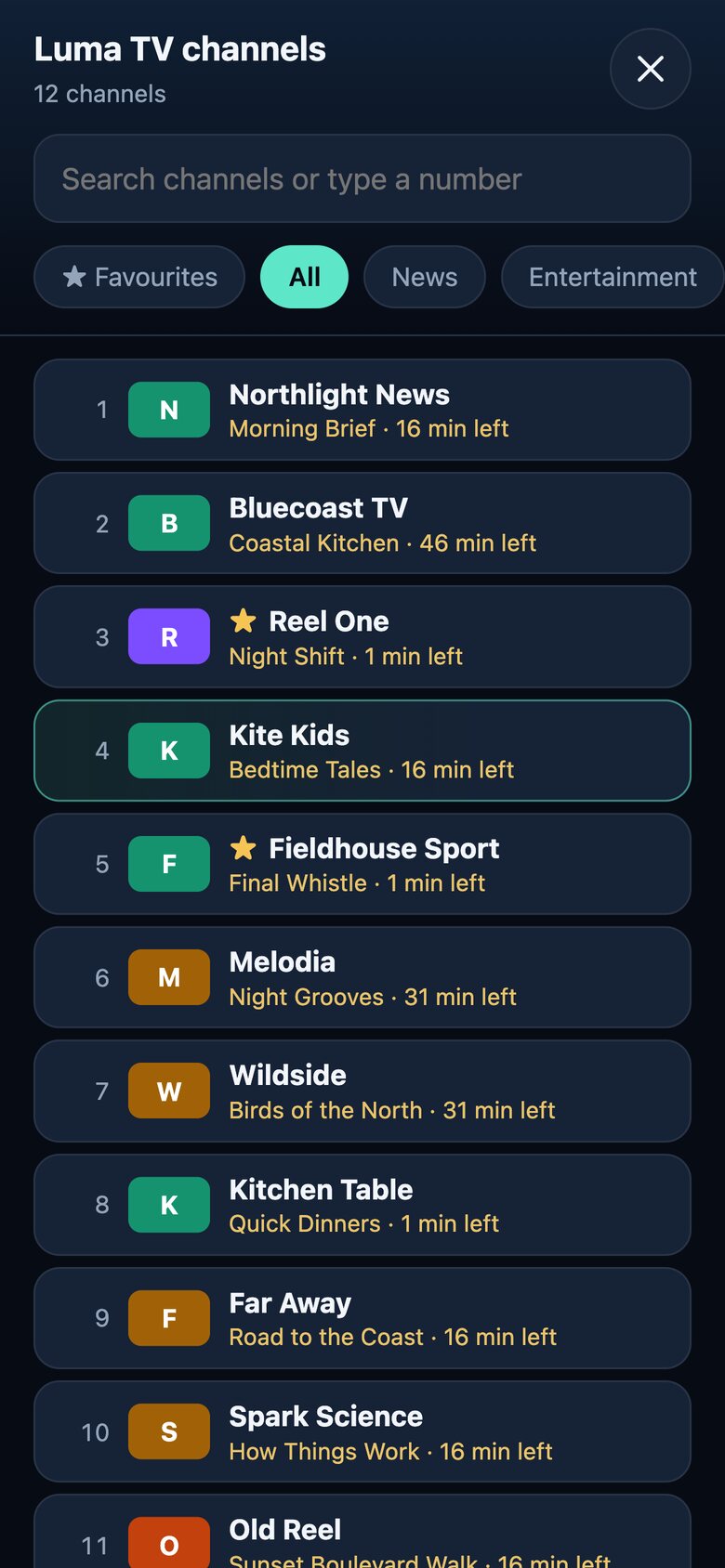
With both apps on the TV, your channel list is one tap away: favourites first, search, what is on now.
Mouse mode
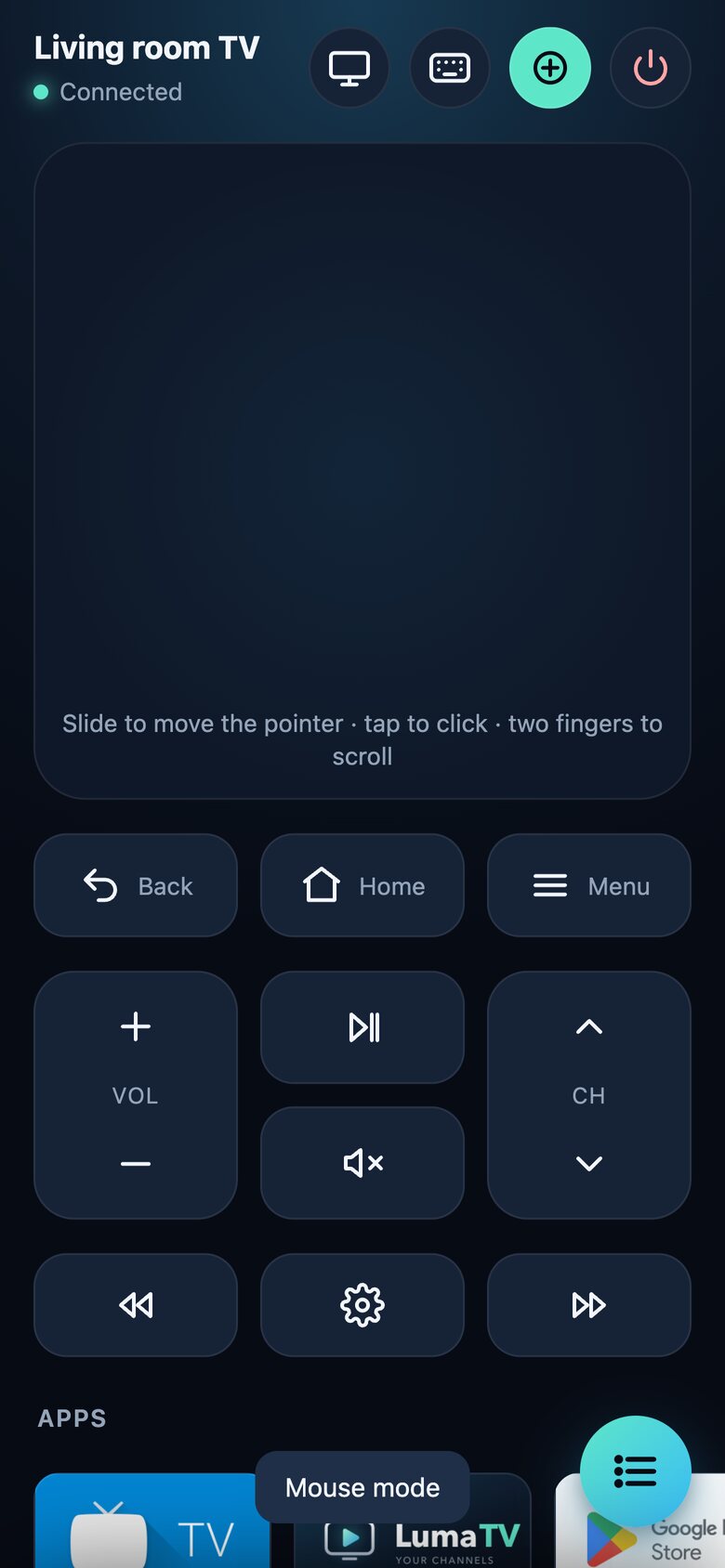
Slide to move a pointer on the TV, tap to click, two fingers to scroll. Made for web browsers.
Type from the phone
Search boxes fill in as you type, in any language, with your phone's own keyboard and voice typing.
All your apps
Every app on the TV in one row. Hold any key to repeat it, just like a real remote.
Private by design
Only phones on your Wi-Fi that scanned the TV's code. Nothing goes through the internet, and New link on the TV disconnects everyone.
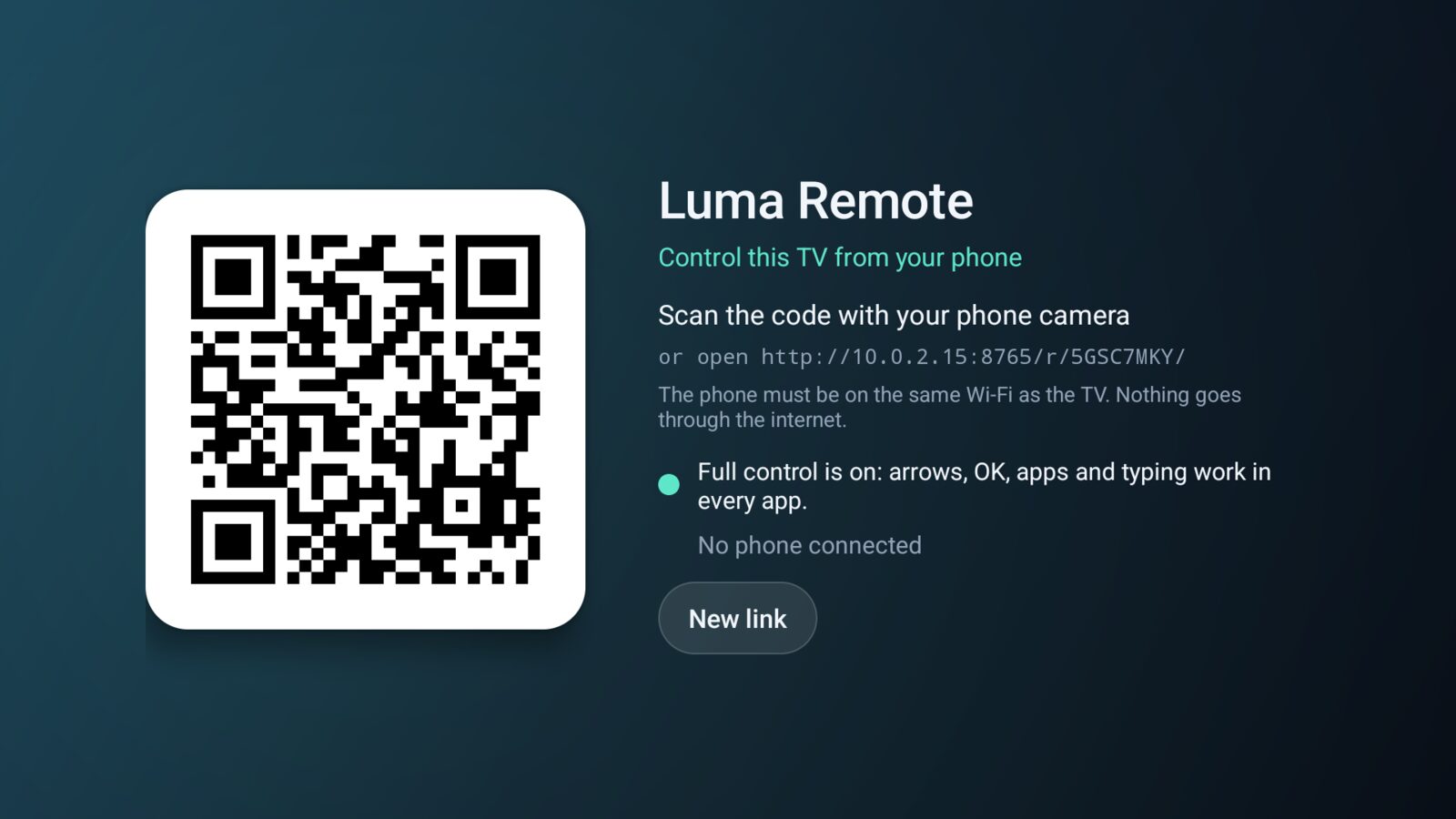
Connect in a few seconds
- Open Luma Remote on the TVIt starts with the TV, so the link keeps working afterwards.
- Scan the code with your phone cameraThe phone must be on the same Wi-Fi. Nothing goes through the internet, so keys arrive in a few milliseconds.
- Add it to your home screenThen it opens like an app. Hold a key to repeat it, open any TV app from the phone, and type into search boxes.
Both apps, €12 for life
Luma TV and Luma Remote together, for one payment of €12. No subscription, no ads, no account, and every update included.
Buy both apps for €12Secure checkout by Gumroad. Channels are not included: you use your own playlist.
Questions
How much do the apps cost?
€12 once for both Luma TV and Luma Remote, for life, with every update included. No subscription, no ads and no account. Buy both apps.
Does Luma TV come with channels?
No. Luma TV plays the M3U playlist or Xtream Codes login you get from your provider. It does not include, sell or recommend any channels.
Which TVs work?
Android TV and Google TV with Android 8.0 or newer: TV boxes such as the Xiaomi Mi Box and Chromecast with Google TV, and Android TVs from Sony, TCL, Philips, Hisense and others.
Do I need to turn on debugging?
No. Volume and opening apps work straight away. For arrows, OK and typing, turn on one setting once: basic control (Settings, Accessibility, Luma Remote) works in most apps on any TV, and full control (USB debugging in Developer options, then Always allow) works in every app and gives a smoother live view. The TV screen shows each step.
Can someone else control my TV?
Only a phone on your home network that has scanned the code on your TV. Other addresses get nothing, a device that keeps guessing is blocked, the TV shows a message when a phone connects, and New link on the TV disconnects every phone.
Will the apps be on Google Play?
Both apps are being prepared for Google Play, so they will install and update like any other TV app. Buy them now and you can use them straight away.