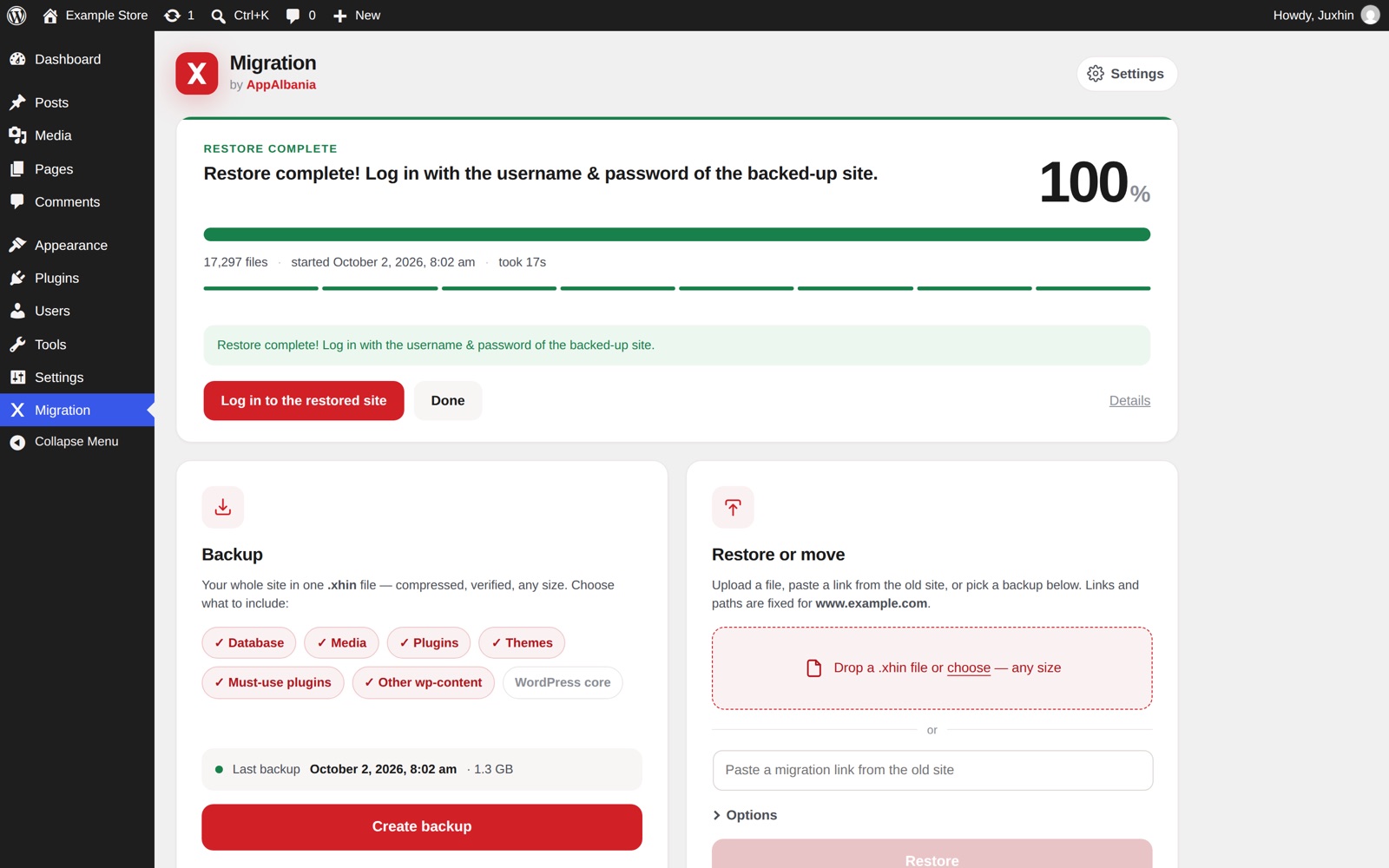
Back up, restore and migrate your whole site — database, media, plugins and themes — in a single .xhin file. Compressed, verified and resumable, built for sites of 150 GB and more.
One plugin to back up, restore and move — with the safety of a professional tool and the simplicity of two buttons.
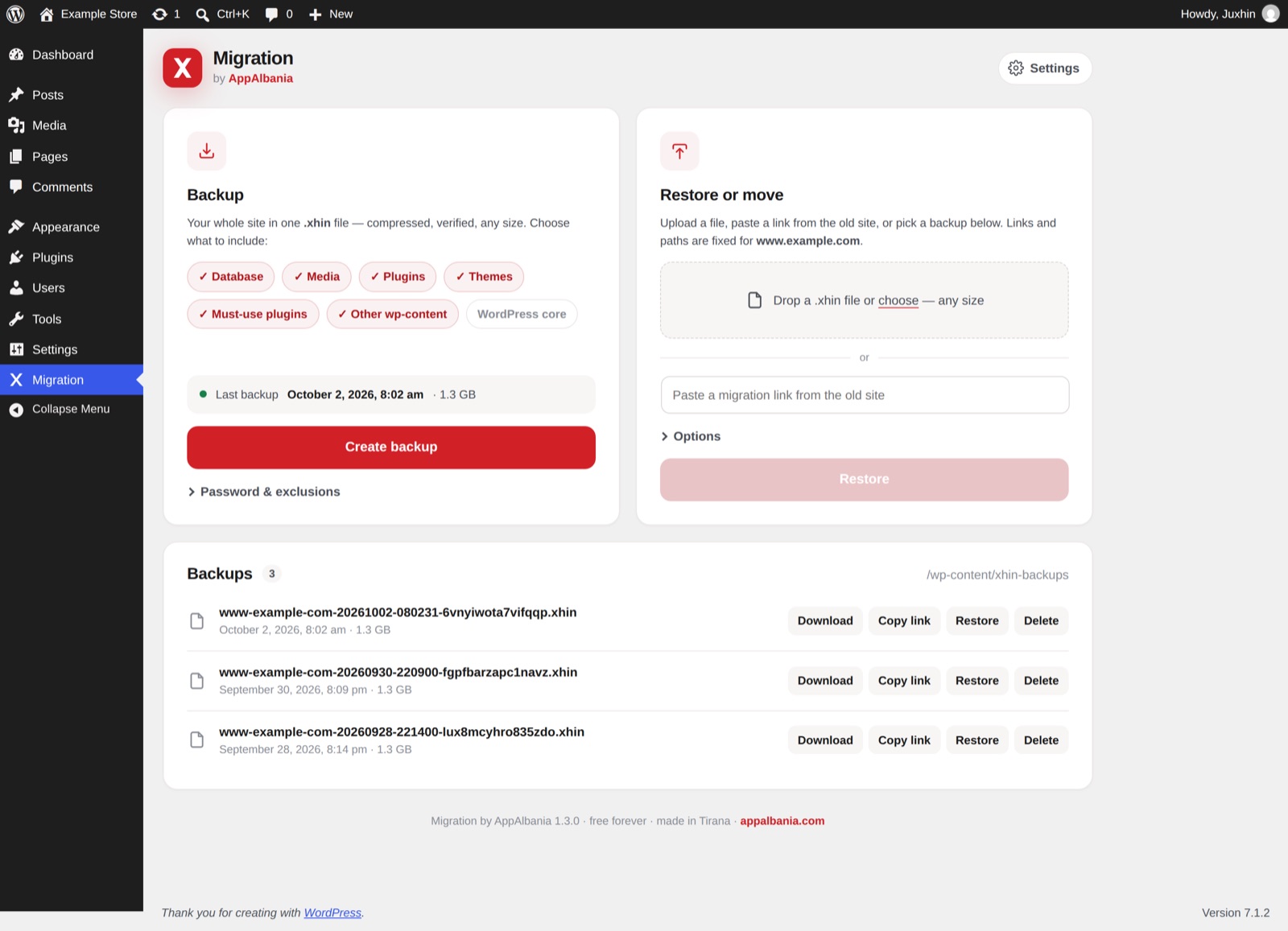
Database, media, plugins, themes, must-use plugins, other wp-content — and optionally WordPress core — packed into one .xhin file.
Copy a signed, expiring migration link on the old site and paste it on the new one. The new server pulls the backup directly — no downloading to your computer.
Work runs in small steps with checkpoints. A killed request, a dropped connection or a closed tab loses seconds, not the job — it continues by itself.
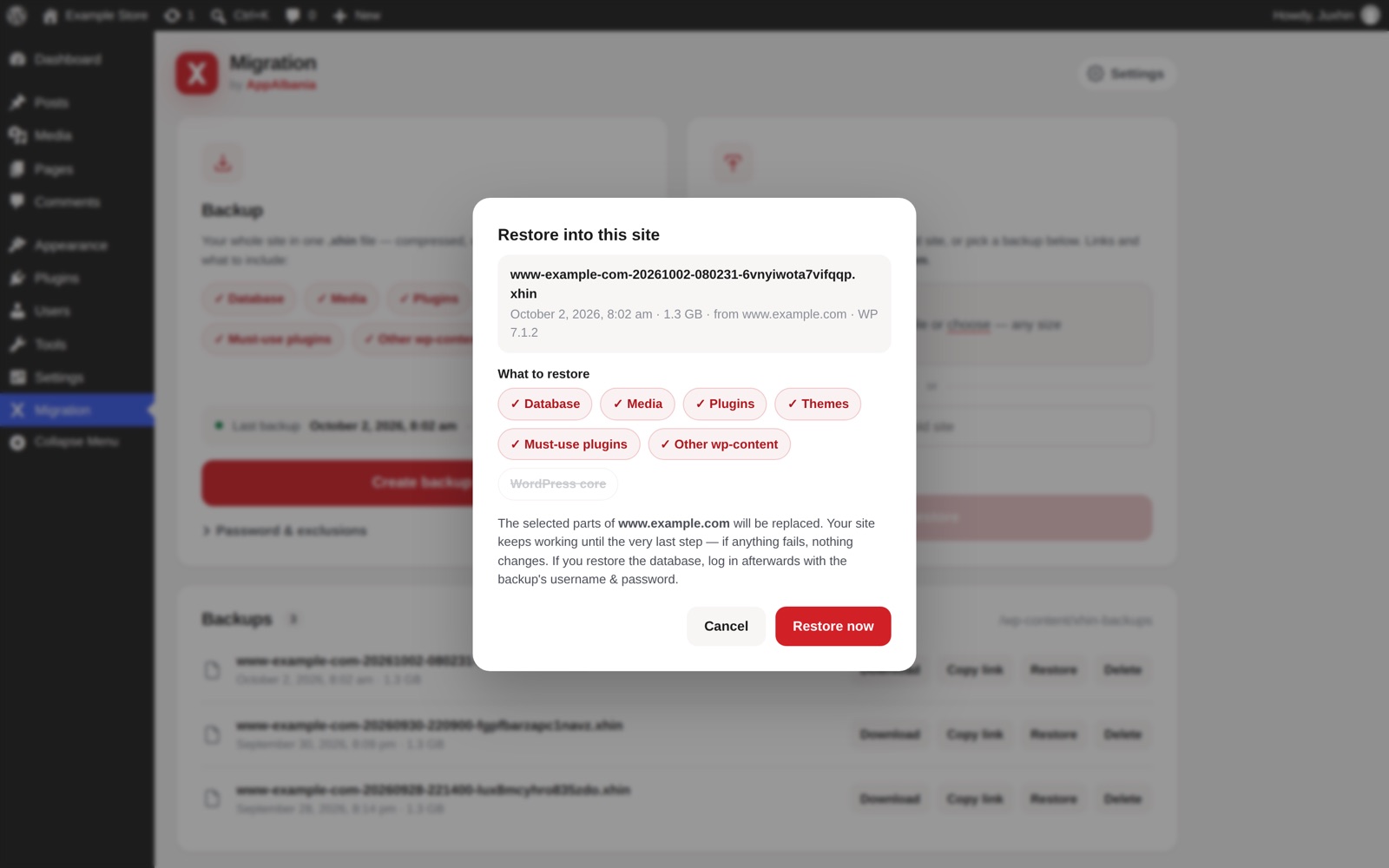
The database is imported into temporary tables and switched in with one atomic step. Your site keeps working until the very last moment.
Domains and paths are rewritten everywhere — including serialized data, JSON and URL-encoded values — so page builders and shops keep working.
Backups get random, unguessable names — safe even on nginx. Add a password for AES-256-GCM encryption of every chunk.
Text and SQL are compressed (zstd when available); images and video are stored byte-for-byte. Zero quality loss, much smaller files.
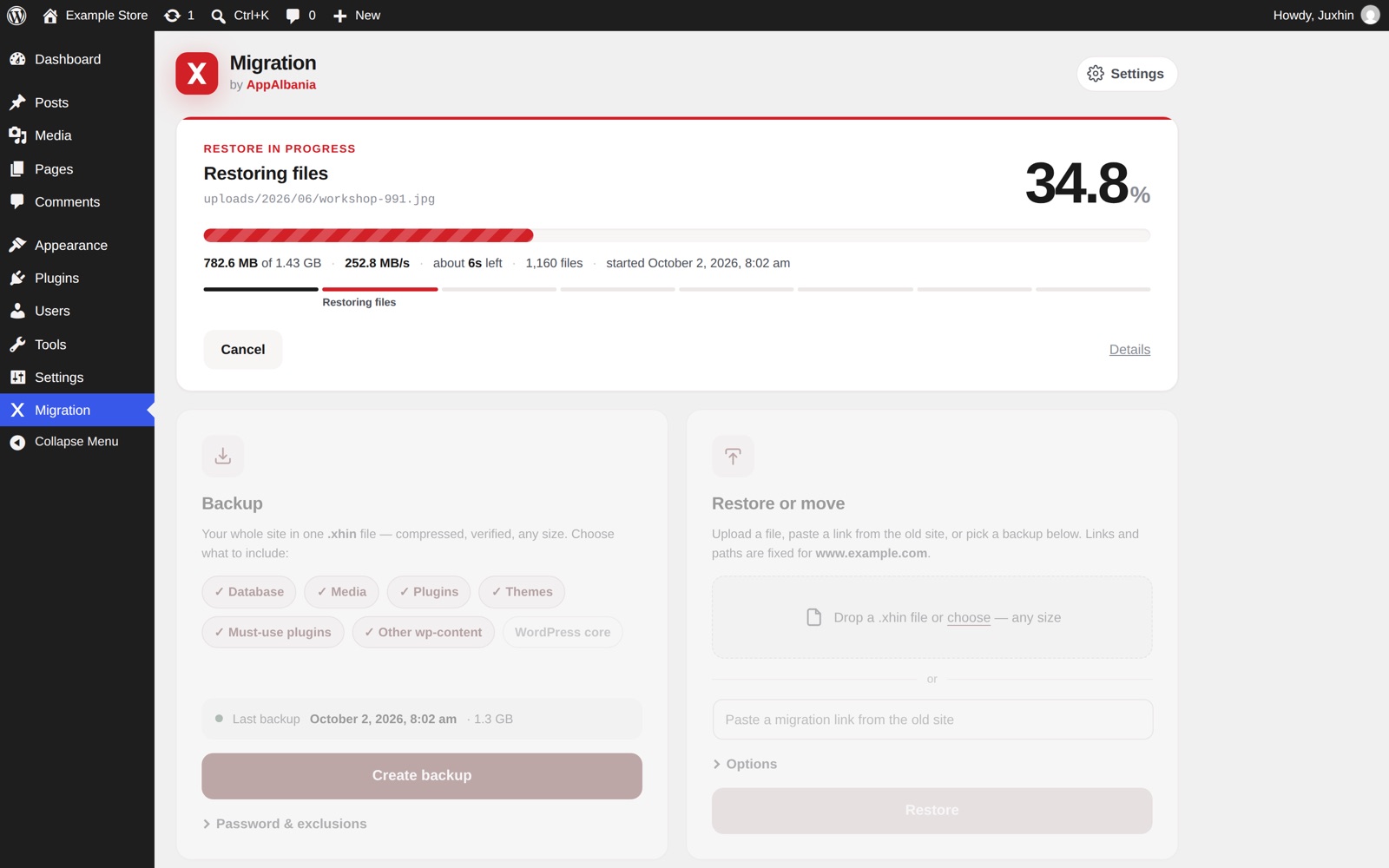
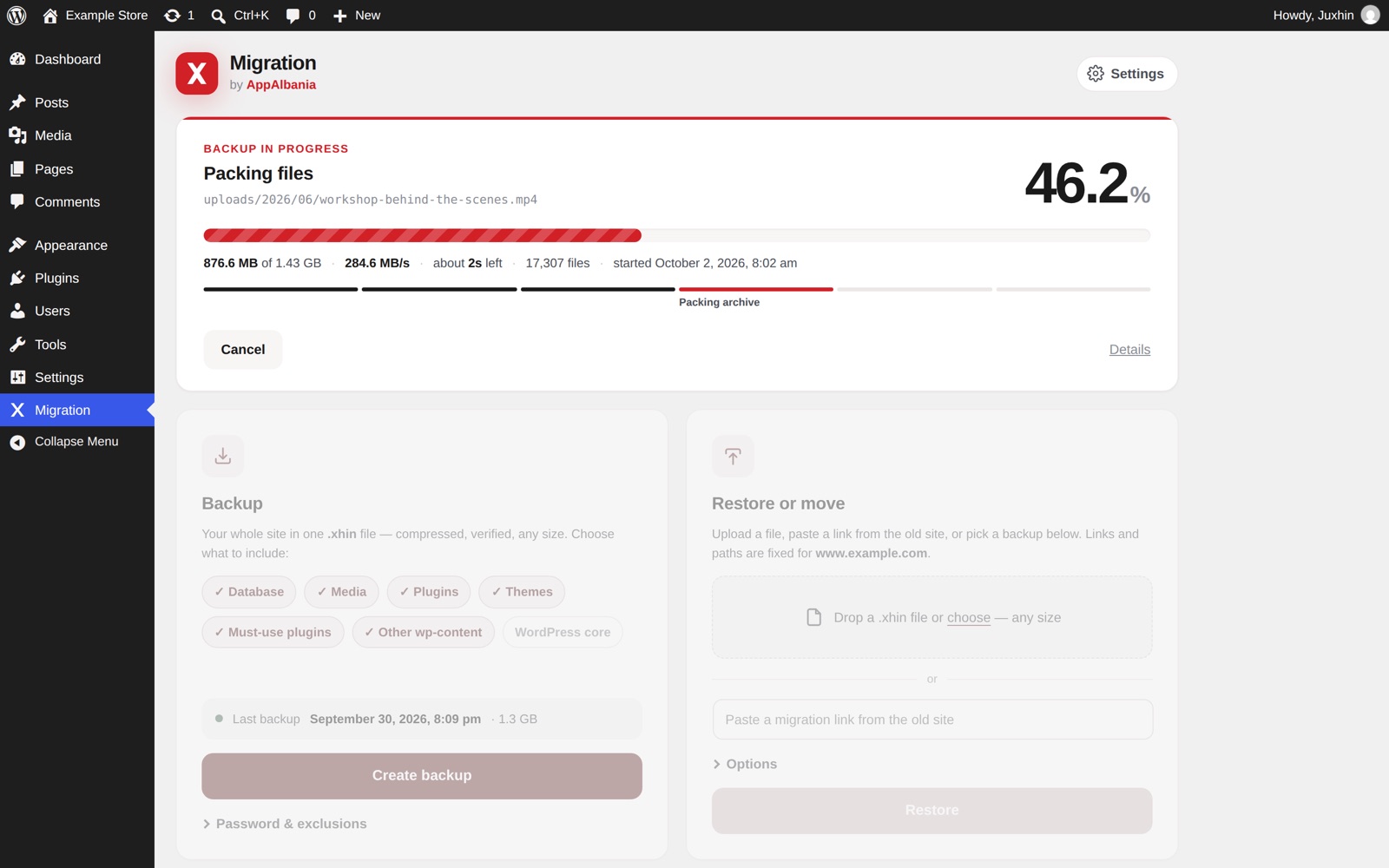
Live percentage, speed, time left and the exact file being processed. You always know what's happening.
Automatic backups on a schedule with retention, plus full WP-CLI support for very large sites without any time limit.
Install the plugin on both sites. That's all the setup there is.
On the old site, choose what to include and press Create backup.
Press Copy link next to the backup — or download the .xhin file if you prefer.
Paste the link (or drop the file), choose what to restore and press Restore. URLs are fixed for you.
RENAME TABLE. If anything fails before that, nothing changes.
Backup on one server, restore on another, then every file and database row compared — including WordPress and PHP downgrades and MySQL ⇄ MariaDB differences.
A modern interface that lives right inside your WordPress admin.


Very large sites run from the command line with no time limit at all. Script your backups, verify archives and resume jobs.
# back up the whole site $ wp xhin export # skip parts $ wp xhin export --without=media # restore $ wp xhin import site.xhin --yes # check an archive $ wp xhin verify site.xhin Success: all blocks verified.
Get the plugin zip — free, no account needed.
WordPress → Plugins → Add New → Upload Plugin, choose the zip, then Install and Activate.
Find Migration in the admin menu and create your first backup.
Yes — free forever and open source under the MIT license. No premium version, no size limits, no account.
No. Everything is streamed in small verified chunks with constant memory use, and uploads go in pieces that fit your server's limits. It's built for sites of 150 GB and more.
Nothing is lost. The job continues from the last checkpoint — it was tested with the PHP process killed 84 times on purpose during migrations.
No. Domains and server paths are replaced automatically, including inside serialized data, JSON and URL-encoded values.
Yes. It was tested with 35 popular plugins active, and backup and restore requests run with other plugins switched off, so they can't interfere.
Yes. Backups get random names and job data lives in a hidden folder, so nothing can be reached from the web — even on nginx, where .htaccess doesn't apply. You can also encrypt backups with a password.
Free for WordPress 5.9 and later, PHP 7.4 and later.