In Albania, the conversation with a customer already happens on WhatsApp. People confirm a table, ask whether a car is still free or send a photo of a broken part there long before they think of writing an email. The problem for a business is not reach; it is time. Typing the same booking confirmation forty times a day by hand does not scale, and messages sent from a staff member’s personal phone disappear when that person leaves.
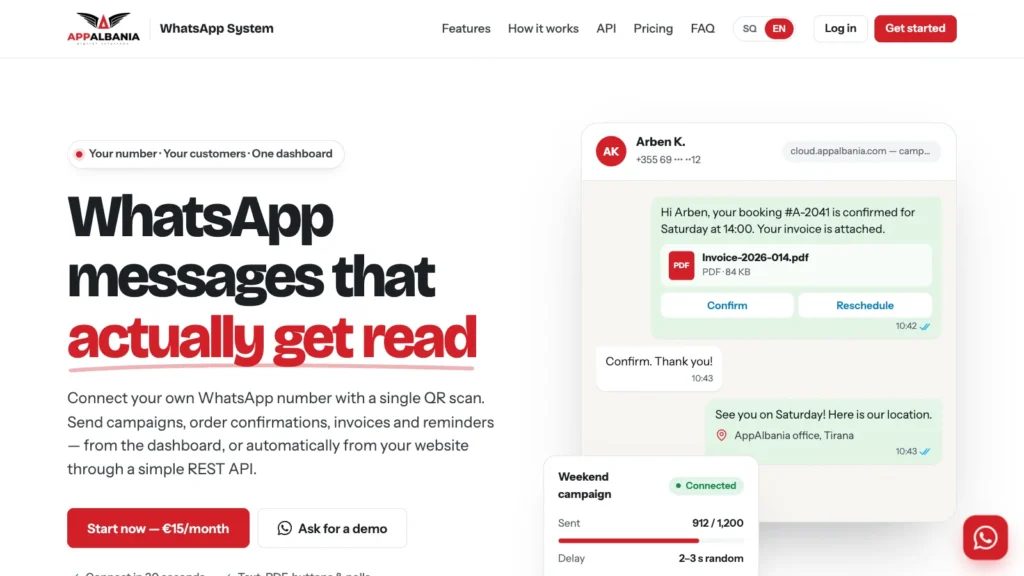
WhatsApp System by AppAlbania solves exactly that. It connects the WhatsApp number you already use to a dashboard and a simple WhatsApp API, so confirmations, reminders, invoices and campaigns go out automatically, from your own number, for €15 per month.
What WhatsApp System is
WhatsApp System links your WhatsApp or WhatsApp Business number to the AppAlbania panel at cloud.appalbania.com. The link works the same way as WhatsApp Web: you open Linked devices on your phone and scan a QR code. From that moment, messages can be sent from the dashboard or from your own software, and customers see your business name and profile photo, not an unknown sender. Their replies arrive on your phone as usual.
There are three ways to use it:
- Your own number. No new number and no Meta approval process. You link the WhatsApp you already use.
- A dashboard anyone can use. Write a message, upload a contact list, attach a PDF and press send. No technical knowledge is needed.
- An API for your systems. Your website, shop or booking system sends the message by itself the moment something happens.
What Albanian businesses send with it
The messages that matter most are the ones customers are already waiting for. Typical uses:
- Order and booking confirmations, sent the second an order or booking is placed, with the details and a button to reply.
- Reminders for appointments, pickups and payments due, with confirm and reschedule buttons, so there are fewer no-shows.
- Invoices and PDF documents such as invoices, contracts, tickets and receipts that customers open with one tap.
- OTP and login codes that arrive in seconds, in an app people already have open.
- Campaigns with offers, news and seasonal promotions, sent only to customers who gave you their number.
It fits the way local businesses work: car rentals send booking confirmations, pickup reminders and contracts as PDF; restaurants send order alerts and reservation confirmations; online shops send order status and delivery updates; clinics and salons send appointment reminders with confirm buttons; schools and courses send notices to students and parents.
How to start in three steps
1. Connect by QR
In WhatsApp, open Linked devices and scan the code from your dashboard. Your number is connected and ready to send. You can sign up at cloud.appalbania.com with your email, or log in directly with a code sent to your WhatsApp.
2. Send from the dashboard
Upload your contacts and launch a campaign: text, PDF, images or buttons, with a safe delay between messages. Before a campaign, the number check shows which numbers are actually on WhatsApp without sending them anything, so dead numbers are skipped and your list stays clean.
3. Automate with the API
Copy your API token and send straight from your website or system. New orders, bookings and payments trigger the message by themselves.
The WhatsApp API in practice
The API is deliberately small: one endpoint, one token, plain JSON. The same call sends text, PDFs, images, buttons, lists, polls and locations; you only change the msgtype. A text message looks like this:
POST https://cloud.appalbania.com/api/send
Content-Type: application/json

{
  "token": "YOUR_API_TOKEN",
  "receiver": "355684963486",
  "msgtype": "textMessage",
  "content": { "text": "Your order #1048 is on the way." }
}
It works with WordPress and WooCommerce, Laravel, plain PHP, Node.js and anything else that can make an HTTP request. From your own system you can also check whether a number is on WhatsApp before sending, read the connection status and get a fresh QR code. Full documentation is available after you log in.
Every message type, not just text
- Text, images and PDF documents
- Video and audio
- Buttons and lists customers can tap to answer
- Locations, polls and contact cards
- Stickers and reactions
- Messages to WhatsApp groups, plus group management: create groups, add, remove or promote members and update the group picture
Sending responsibly
WhatsApp System is not the official WhatsApp Business API, and that is precisely why there is no Meta approval process and no per-conversation fee. Your number works as a linked device. Because of that, it is important to follow WhatsApp’s rules:
- Message only people who gave you their number and expect to hear from you.
- Keep the delay between messages that campaigns use by default (for example 2 to 3 seconds, randomised).
- Avoid unsolicited bulk sends. WhatsApp may restrict numbers that send unwanted messages.
Your phone does not need to stay open, because the connection runs as a linked device; just keep the WhatsApp account active on the phone. If the connection ever drops, you re-scan the QR code from the dashboard.
Price: one plan, €15 per month
There is a single monthly plan with every feature and full API access, billed by card. There is no setup fee, and you can cancel at any time; the plan stays active until the end of the period you paid for. It includes:
- Your own WhatsApp number, connected by QR
- All message types: text, PDF, media, buttons and polls
- Bulk campaigns with safe delays
- Number check and group management
- Full REST API with documentation
- Step-by-step video guides in your account under My systems
After you order, your account is created and you connect your phone by scanning the QR code. Support is available in Albanian and English.
Order WhatsApp System, €15/month See all features
WhatsApp, SMS or both?
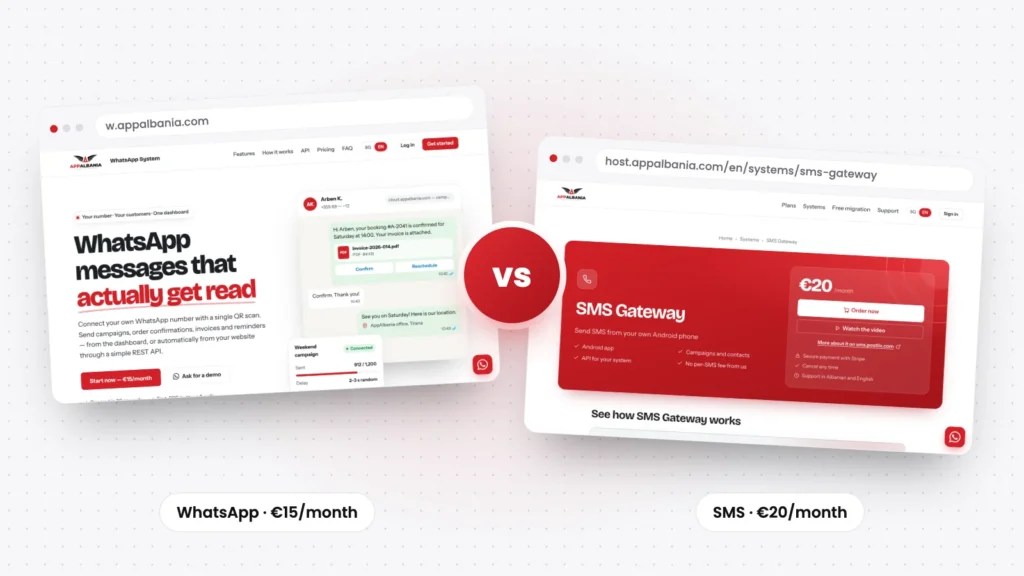
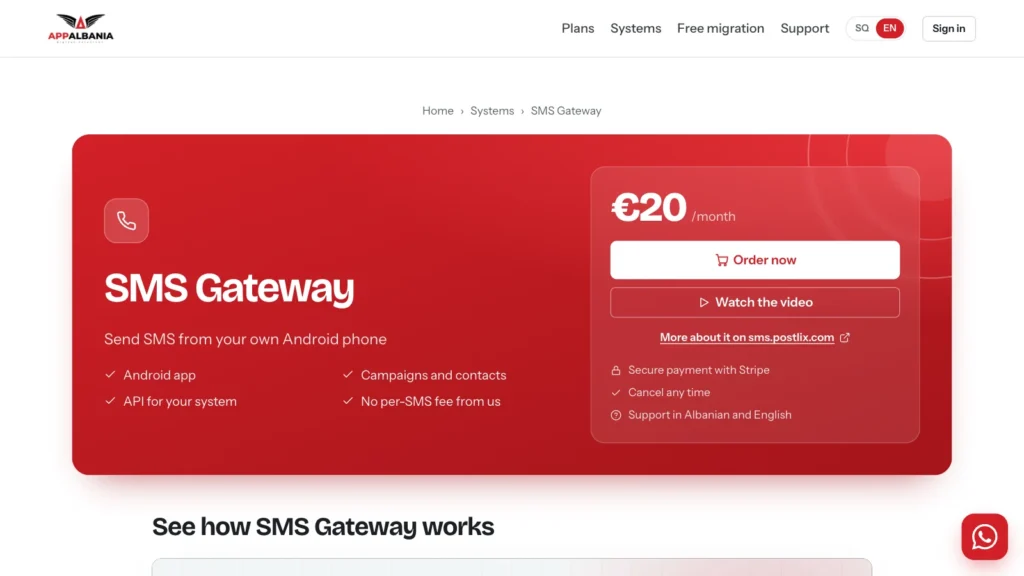
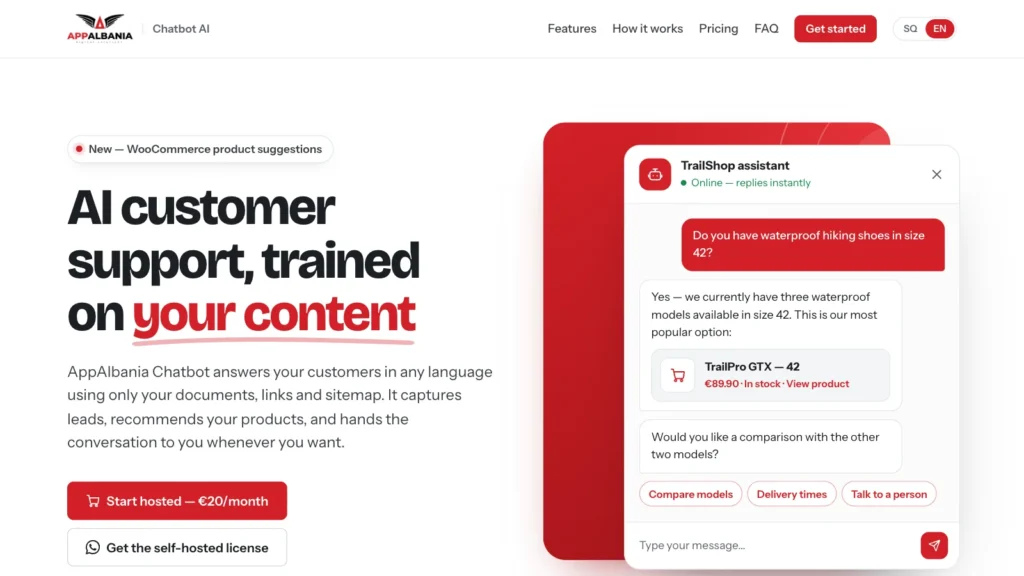
WhatsApp is ideal for rich messages people actually read, but not every customer has it. If you also need plain SMS, for example for verification codes to any phone, our SMS Gateway sends SMS from your own Android phone. We compare the two channels in detail in WhatsApp vs SMS for customer notifications in Albania. Running a car rental? WhatsApp notifications pair naturally with RentalX, and if you want an assistant that answers questions on your website, read about our AI chatbot. For a broader look at messaging campaigns, see WhatsApp & Email Marketing.
Frequently asked questions
Do I use my own WhatsApp number?
Yes. You connect your existing WhatsApp or WhatsApp Business number by scanning a QR code under Linked devices, exactly like WhatsApp Web. Customers see your name and picture, and their replies arrive on your phone as usual.
Is this the official WhatsApp Business API?
No. Your number works as a linked device, which is why there is no Meta approval process and no per-conversation fee. Follow WhatsApp’s rules: message people who know you, keep the delay between messages and avoid unsolicited bulk sends.
Can I connect it to my website or booking system?
Yes. Copy your API token from the dashboard and call one endpoint with JSON. It works with WordPress, WooCommerce, Laravel, plain PHP, Node.js and anything that can make an HTTP request.
Do I need a developer?
No. Campaigns and one-off messages work entirely from the dashboard. You only need the API if you want your website or system to send messages automatically.
How much does it cost and how do I cancel?
€15 per month by card, with no setup fee. You can cancel at any time from your account, with no cancellation fees.